Visual flow builder
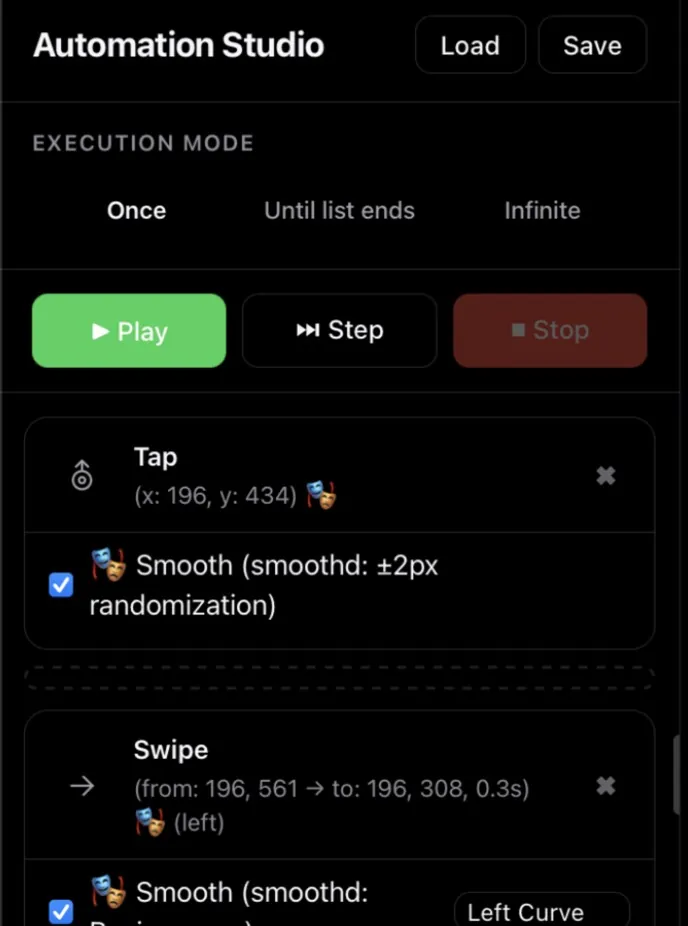
Drag actions onto a timeline: taps, swipes, conditions, variables, data lists, HTTP calls. Run once, in a loop, or until your list runs out.
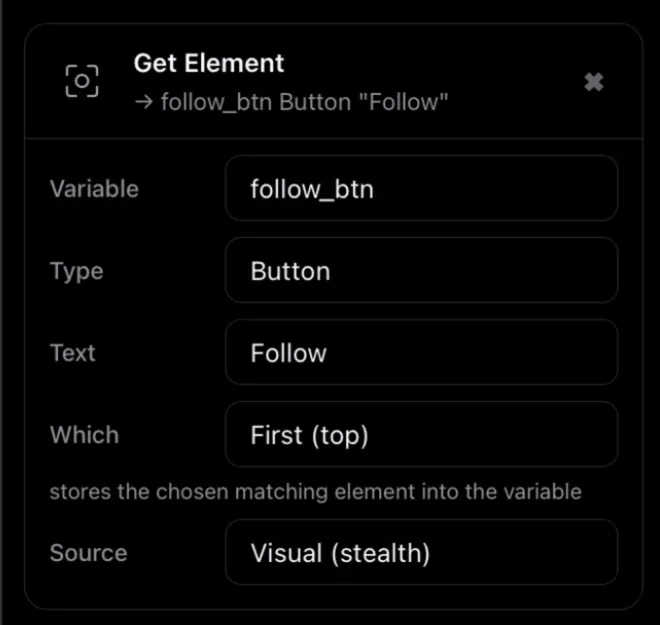
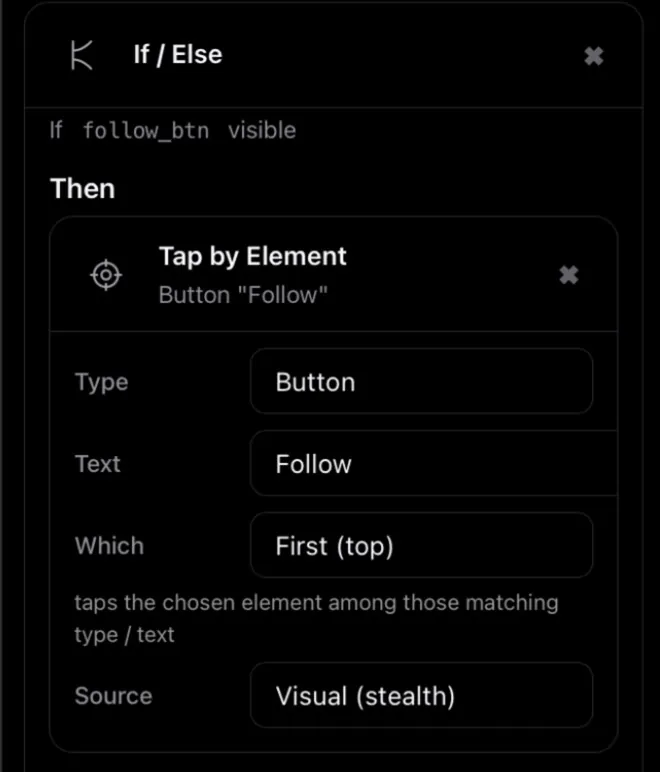
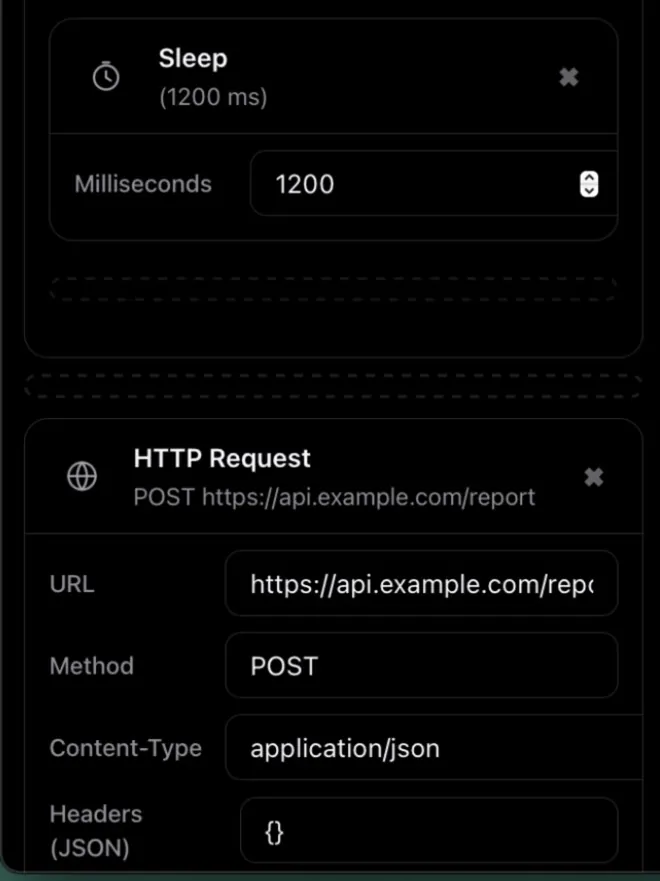
Icemoon drives physical iPhones with human-like touch. Give every device its own accounts and proxy, build flows visually, put them on a schedule — or hand the goal to AI.

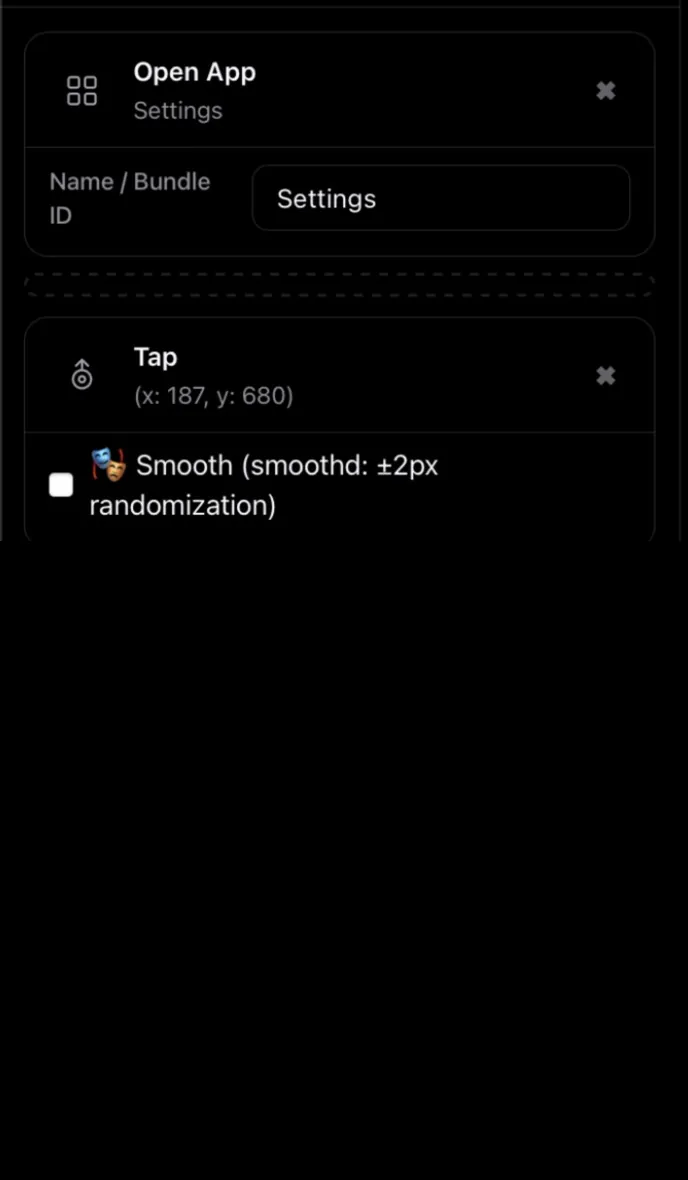
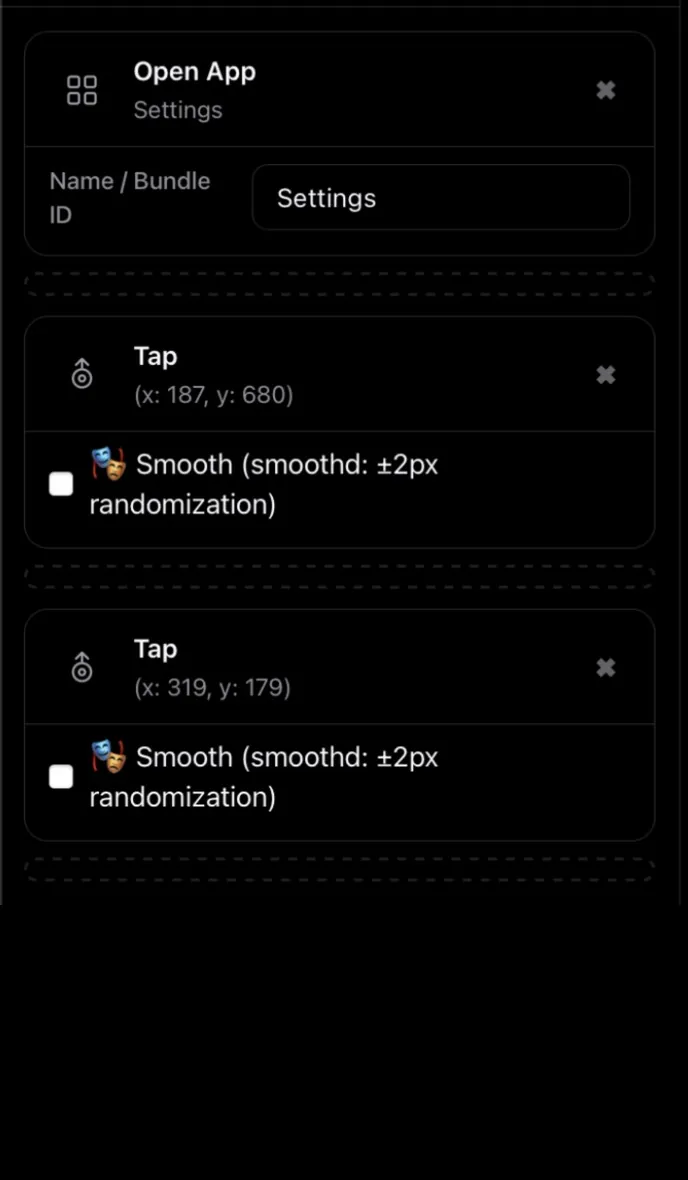
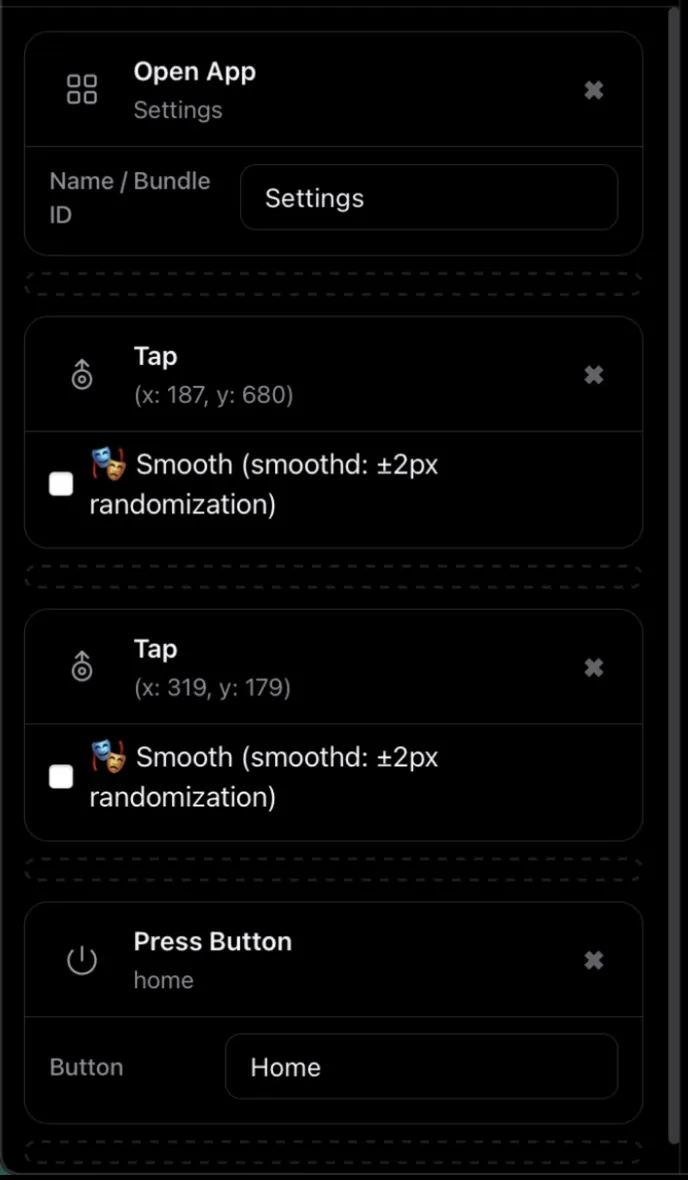
Screen recording: building a flow in Automation Studio and running it on a real iPhone.
Drag actions onto a timeline: taps, swipes, conditions, variables, data lists, HTTP calls. Run once, in a loop, or until your list runs out.
Icemoon ships an MCP server for Claude. Describe the goal in plain language. Claude plans the steps and drives your devices. See a real session.
Swipes can follow a Bézier curve with natural timing instead of a straight line: always on for AI-driven swipes, one checkbox in the builder. See how that differs from Appium.
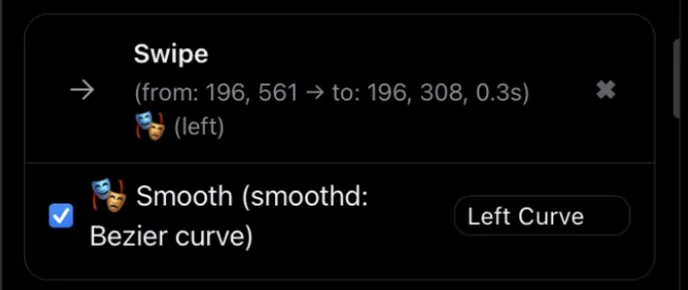
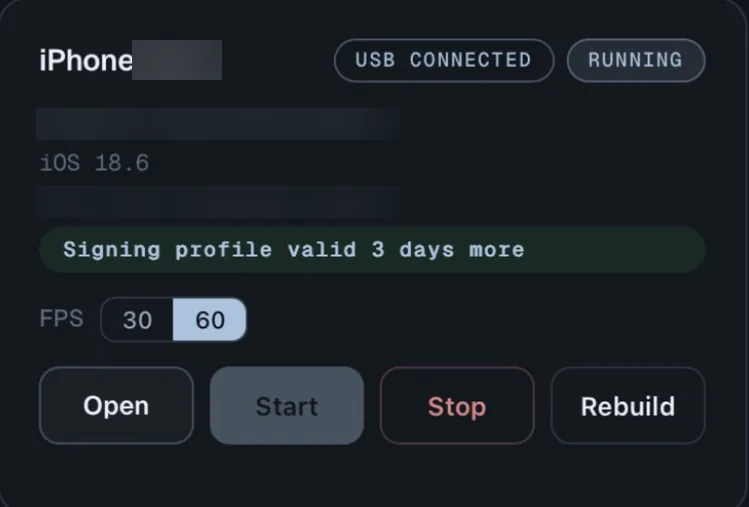
Every connected iPhone on one dashboard: start, stop, open its live screen. Keep each account's login, password and proxy in one table.
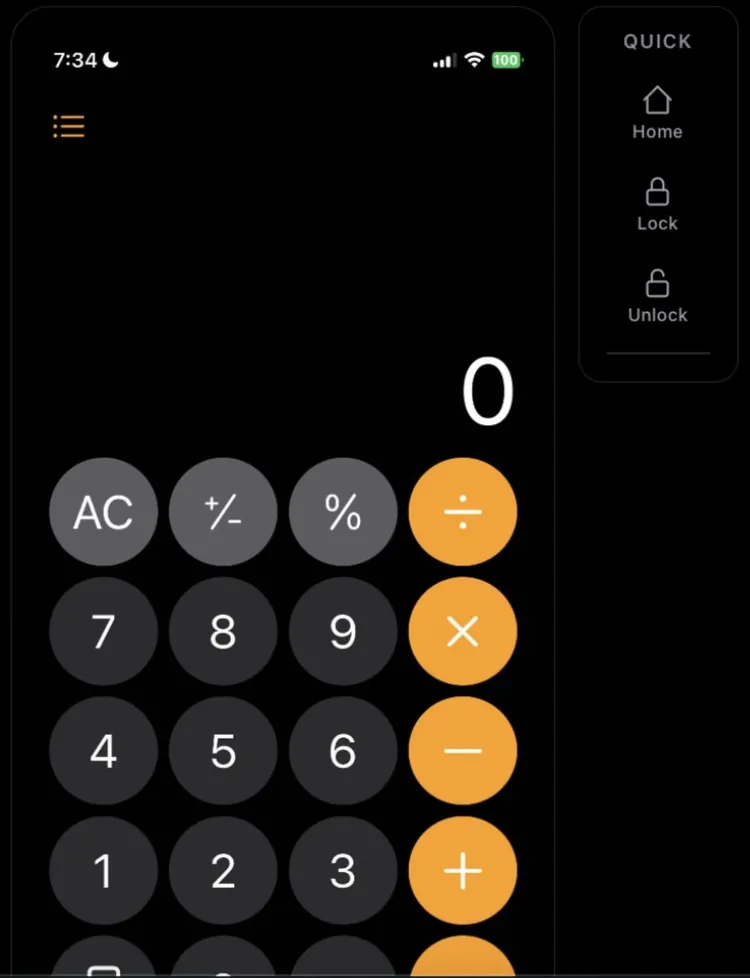
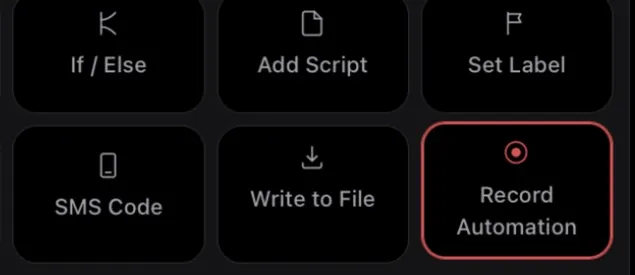
Do the task once on the live screen. Taps, swipes and the toolbox actions you run land in the flow as editable steps. No scripting required.
Queue saved flows in a calendar: once, every day, or on chosen weekdays. They run on schedule while Icemoon is open.
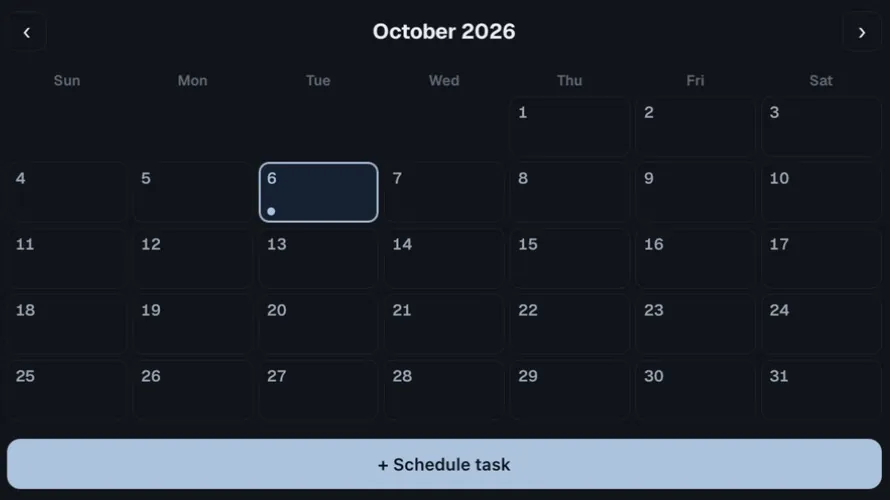
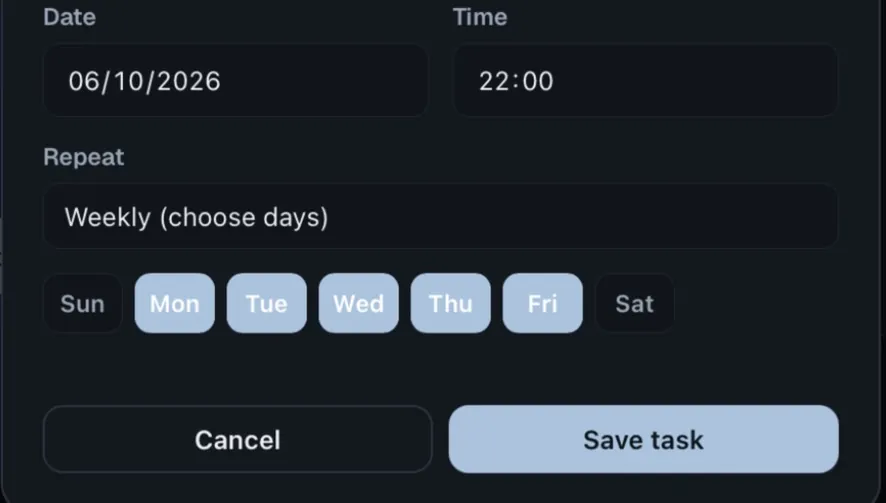
Screenshots: Automation Studio 1.0.19 driving a real iPhone. Device names and IDs are blurred.
The unglamorous parts of mobile automation are already handled.
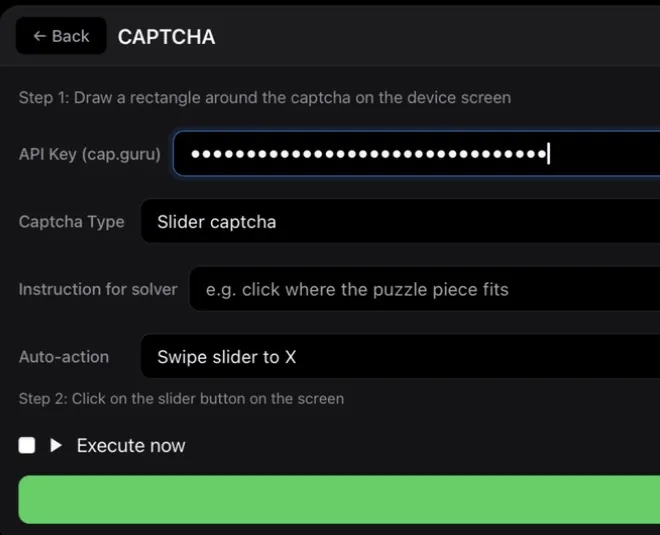
Slider and click captchas, solved through cap.guru.
Uses your own cap.guru API key.
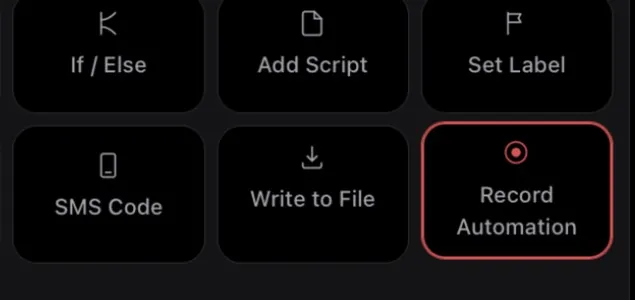
Switch it on and act on the live screen. Taps and swipes become editable steps.
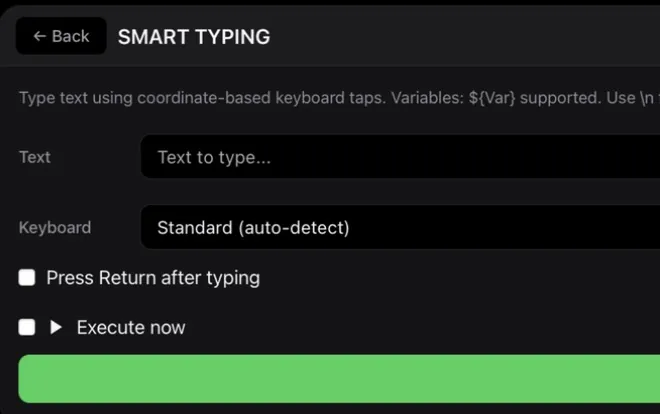
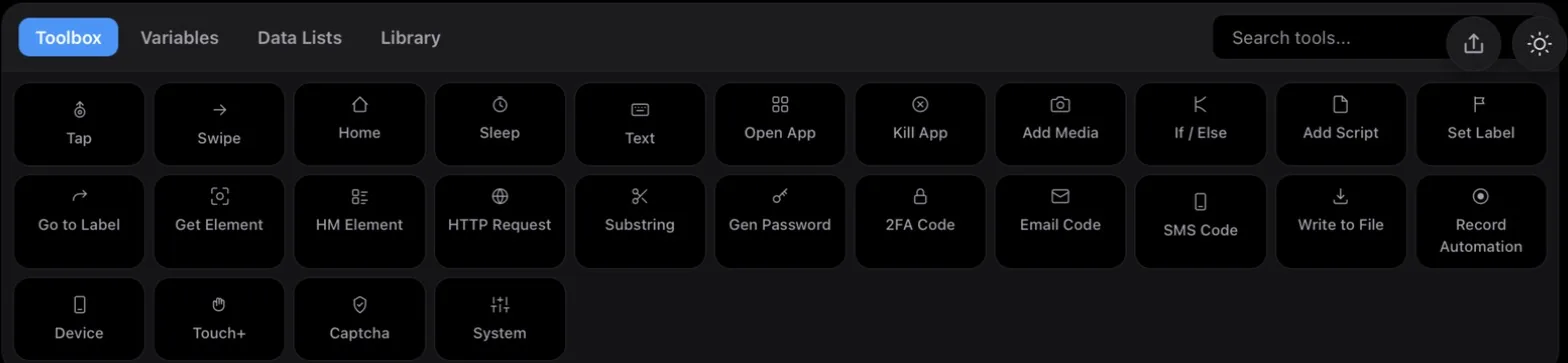
Taps the on-screen keyboard key by key, with ${variables}, Return and a number pad mode.
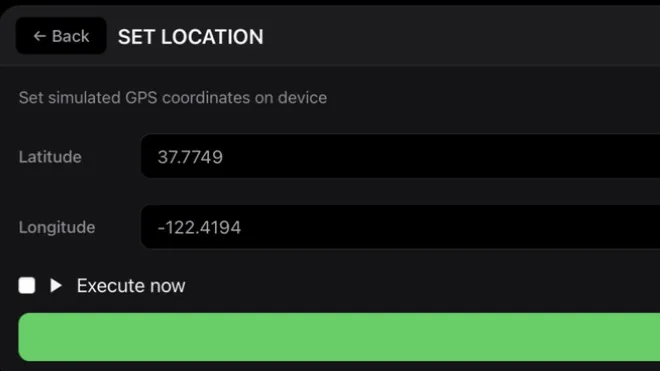
Spoofs the iPhone GPS to any latitude and longitude.
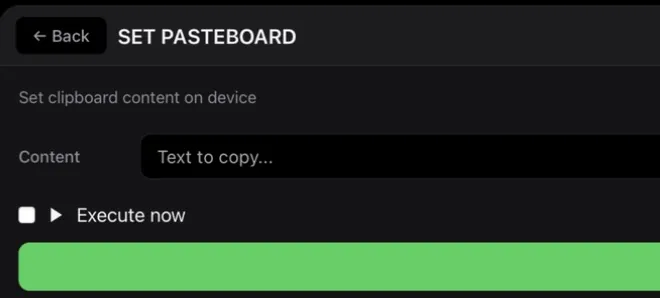
Write to the iPhone clipboard from a flow, or read what is on it.
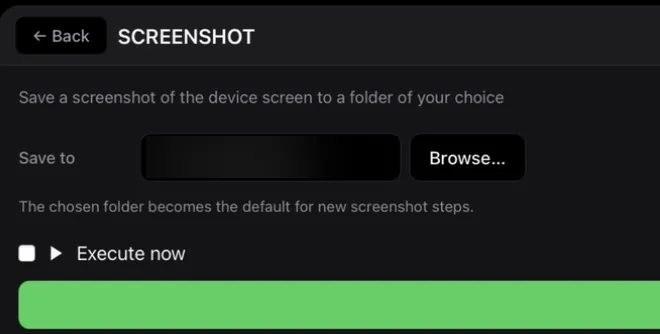
Saves the iPhone screen to a folder on your Mac.
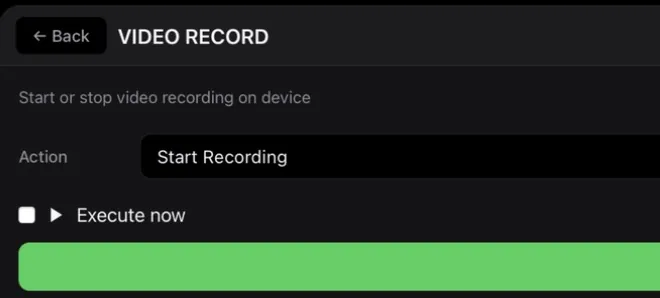
Starts and stops a screen recording on the device.
The recording stays on the iPhone.
Login, password and proxy for every account in one table. Flows read them as ${instagram.login_1}.
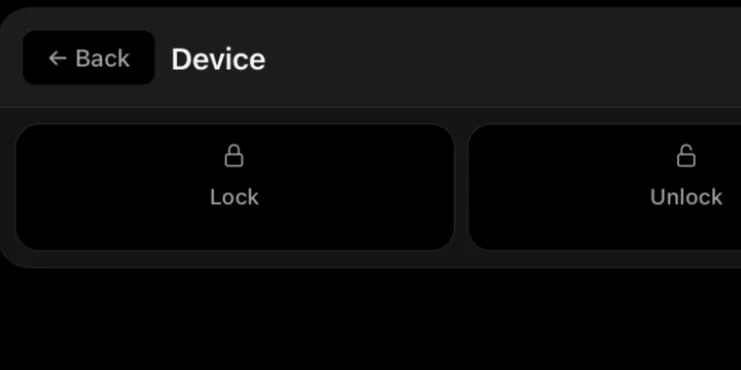
Lock or wake the screen as a step.
Unlock does not enter a passcode.
Connect devices to your Mac over USB. Icemoon detects each one and installs its driver automatically — no jailbreak, no profiles to fiddle with. Full setup guide →
Drag actions from the toolbox, or hit Record and perform the task once on the live screen. Attach data lists and variables to make it work across accounts.
Launch instantly, put flows on the calendar, or hand the goal to the AI copilot. Watch every device live from one dashboard.
Install the MCP server in Claude Desktop with one click. Claude reads each screen's interface, plans the steps, and runs them on real hardware.
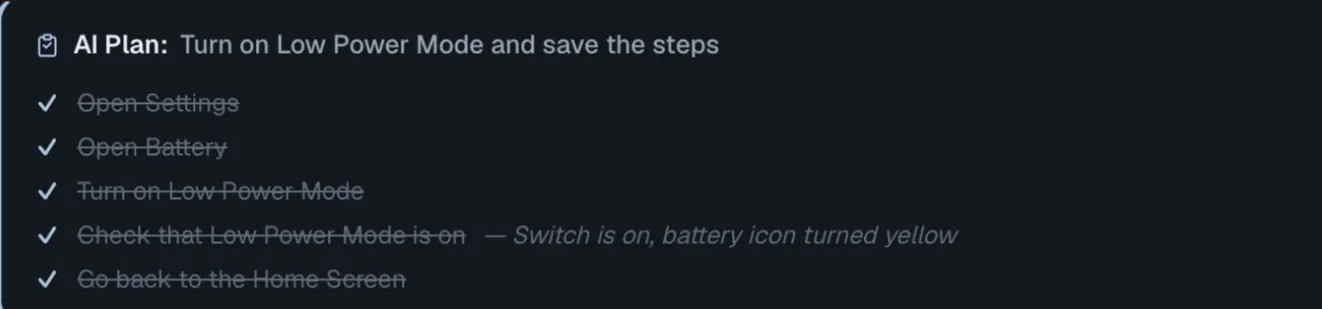
Turn on Low Power Mode and save the steps.
set_action_recording(enabled: true)recording into the Action Containerplan_create("Turn on Low Power Mode and save the steps", 5 steps)plan shown on the dashboardplan_update_step(3, "done")"Switch is on, battery icon turned yellow"set_action_recording(enabled: false)4 steps savedUnedited tool calls from the run, in order. Pick one to see that moment.
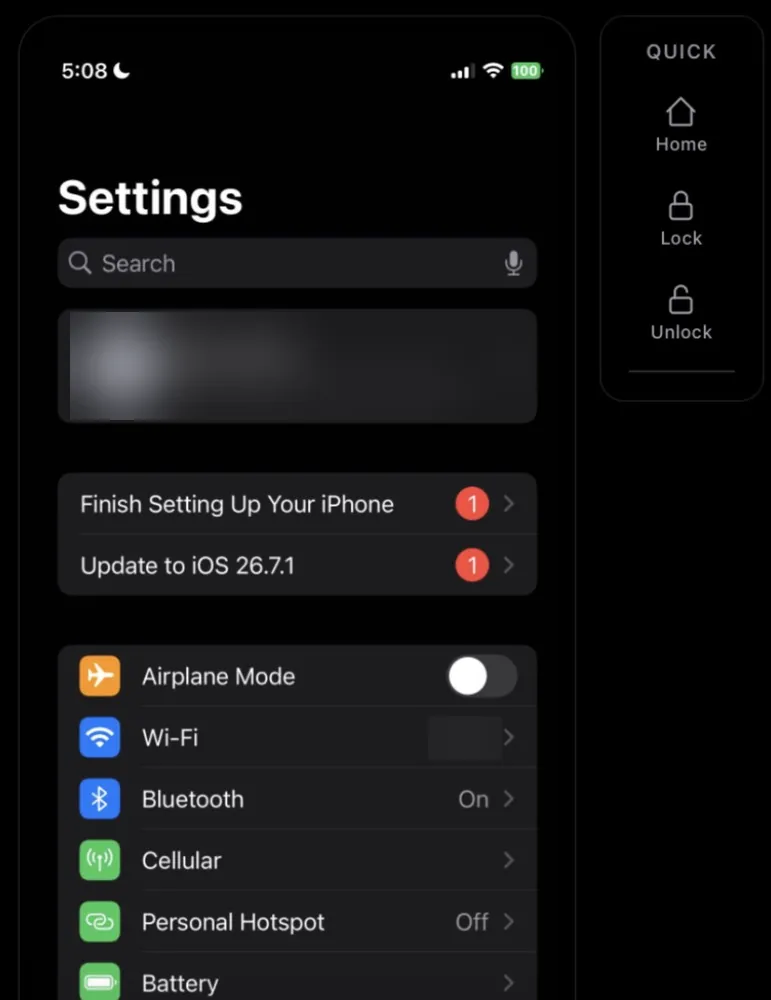
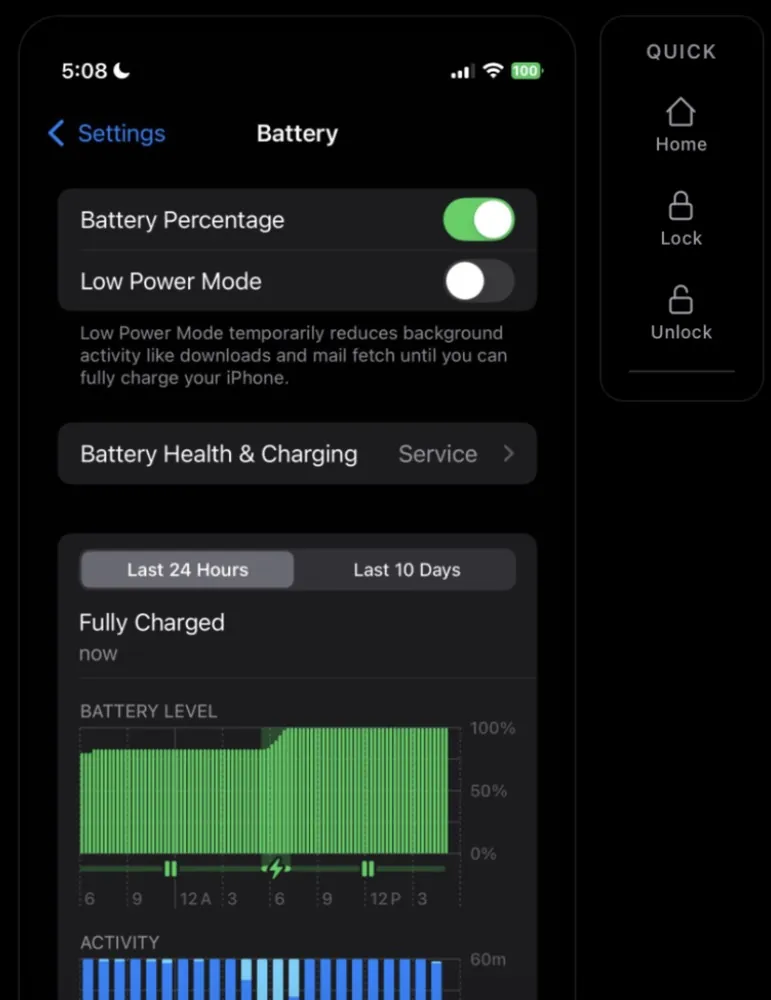
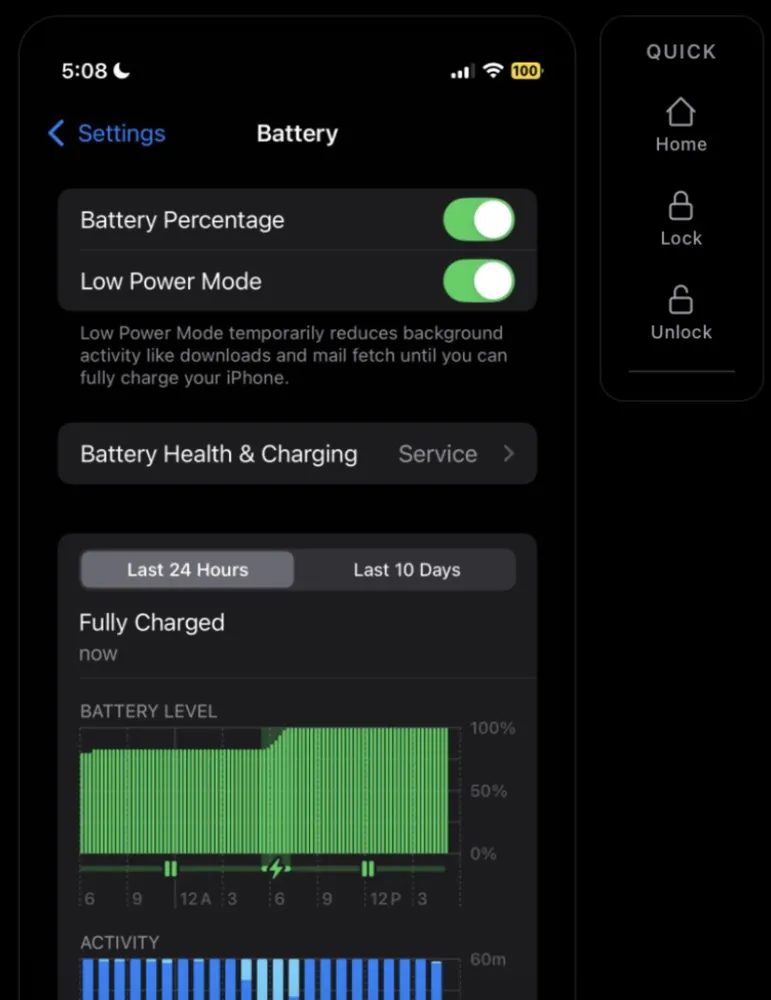
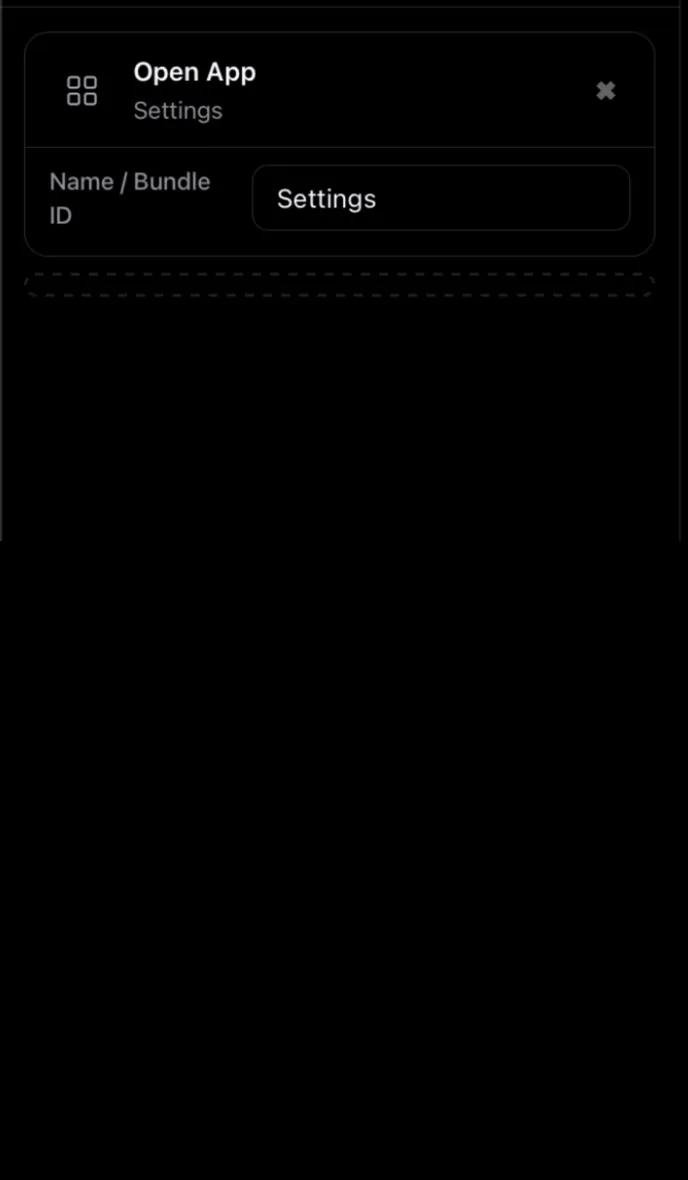
Meanwhile on the Icemoon dashboard: the plan Claude made, checked off live.
Works with Claude Desktop: click Install MCP in Icemoon, then restart Claude. See what the AI can do →
One iPhone or fifty — the work is the same, the scale is a setting.
Assign an account and a proxy to each device, then run the same flow across all of them. Variables pull the right login, caption and link per account.
Queue a drop across every device, or drip it out over days from the calendar. Data lists feed each run so no two posts are identical.
Fresh accounts need history. Let flows browse, scroll and idle at human pace for days on end, unattended, while you do something else.
Pull profiles, prices, comments or anything else the app renders — then push it to your own endpoint with an HTTP step, no API keys involved.
Regression runs on the exact iPhones your users hold. Record a flow once, replay it on every device and OS version you own.
If you can tap it, Icemoon can repeat it. Check-ins, claims, transfers, daily chores — anything an app makes you do by hand.
Pay by card — renews automatically, cancel anytime from your dashboard. Or pay per cycle in USDT (TRC-20) or SOL — nothing auto-renews. Your flows always stay exportable.
No. Icemoon talks to stock iOS through a signed driver it installs over USB. Your devices stay on the standard firmware and keep receiving updates.
A Mac as the host and one or more iPhones connected over USB. Icemoon runs locally on your machine — your devices and data never leave it.
Icemoon synthesizes input the way a human produces it: every swipe follows a unique curve, taps carry natural timing jitter, and typing goes through the real keyboard. It behaves like a hand, not a script.
Icemoon exposes your devices to Claude through an MCP server. You describe the goal in chat; the AI reads the screen, builds a plan, and executes it step by step. You watch the plan progress live on the dashboard.
Two ways. Pay by card and your plan renews automatically every month or year until you cancel — cancel anytime in your dashboard and it stops at the end of the period you've paid for. Or pay per cycle in USDT (TRC-20) or SOL: crypto never auto-renews, you simply start a new payment before the cycle ends. Your saved flows can always be exported to files.
Try Solo free for 3 days, or subscribe and run your first flow tonight.
Get started